Wayfarer
Website Design
As a UI designer for Wayfarer, I helped shape a travel-research platform that inspires young adventurers to discover authentic, off-the-beaten-path destinations. Wayfarer uses AI to analyze user preferences and past trips, delivering personalized recommendations through immersive visuals and intuitive interactions. My role focused on crafting a clear, engaging interface that supports the brand’s mission to make travel exploration more personal, inspiring, and effortless.
Timeline: 7 weeks
Tools Used:
Figma, Adobe Illustrator, Photoshop, Procreate
Year
2025
Client
DesignLab
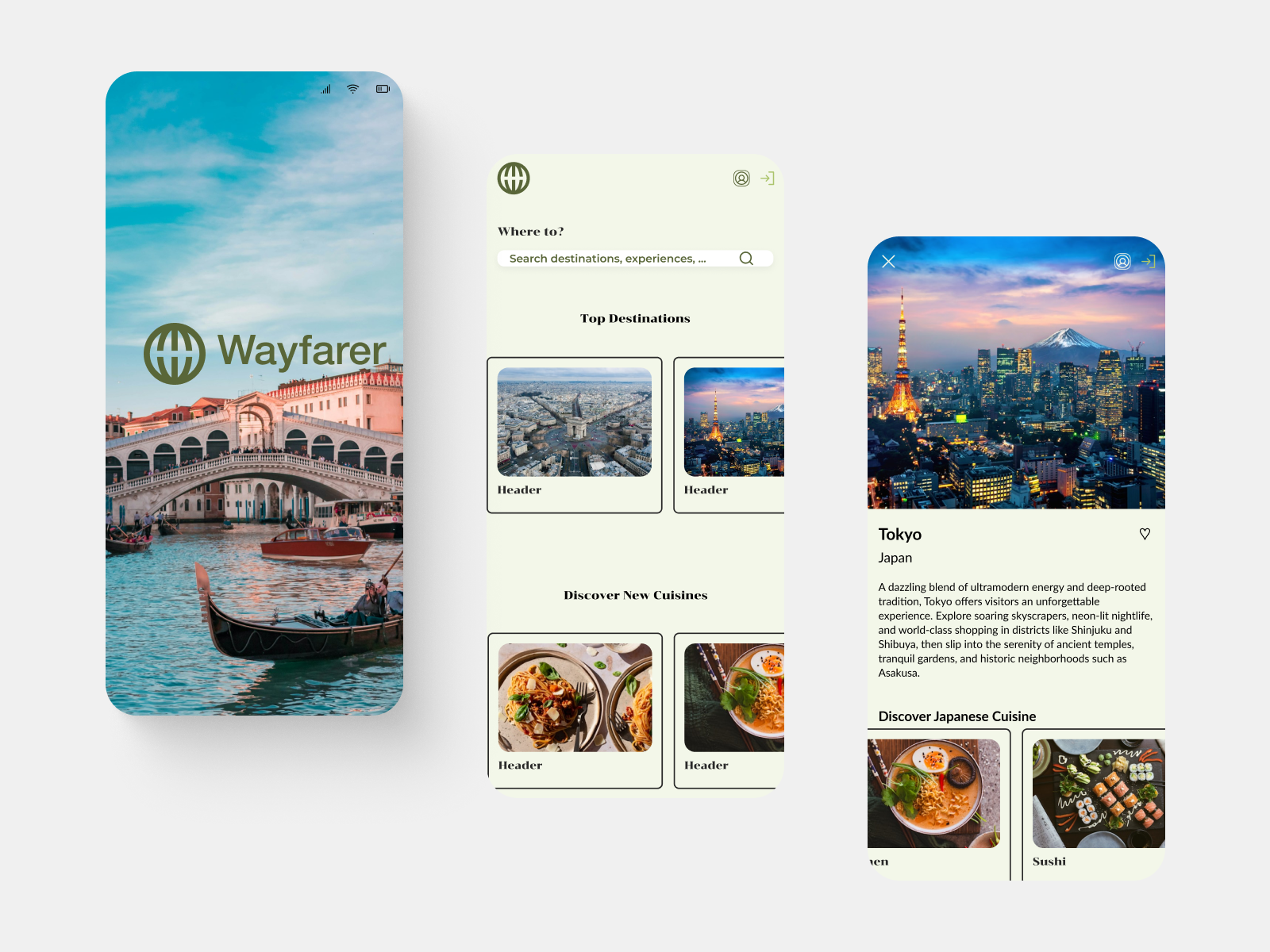
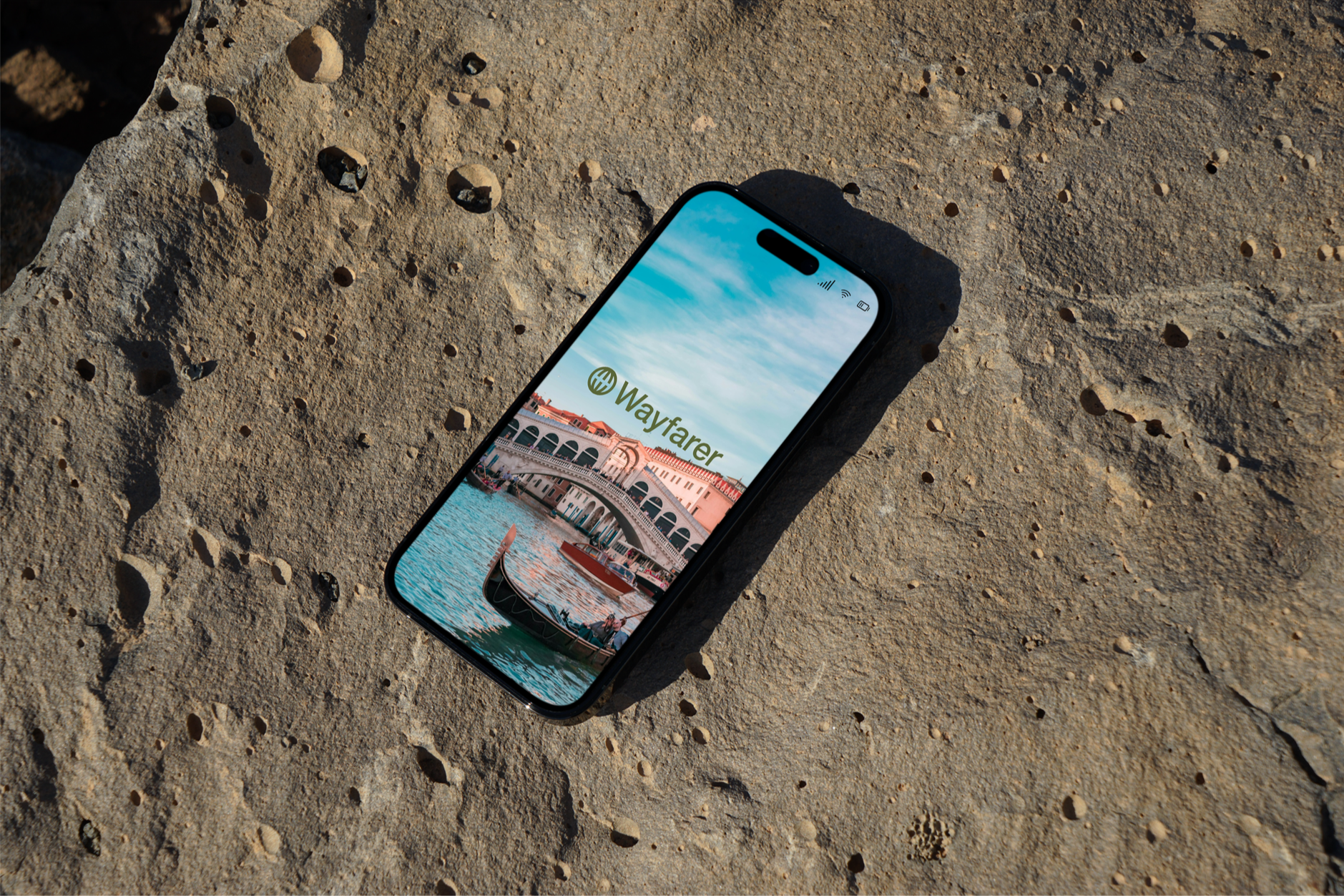
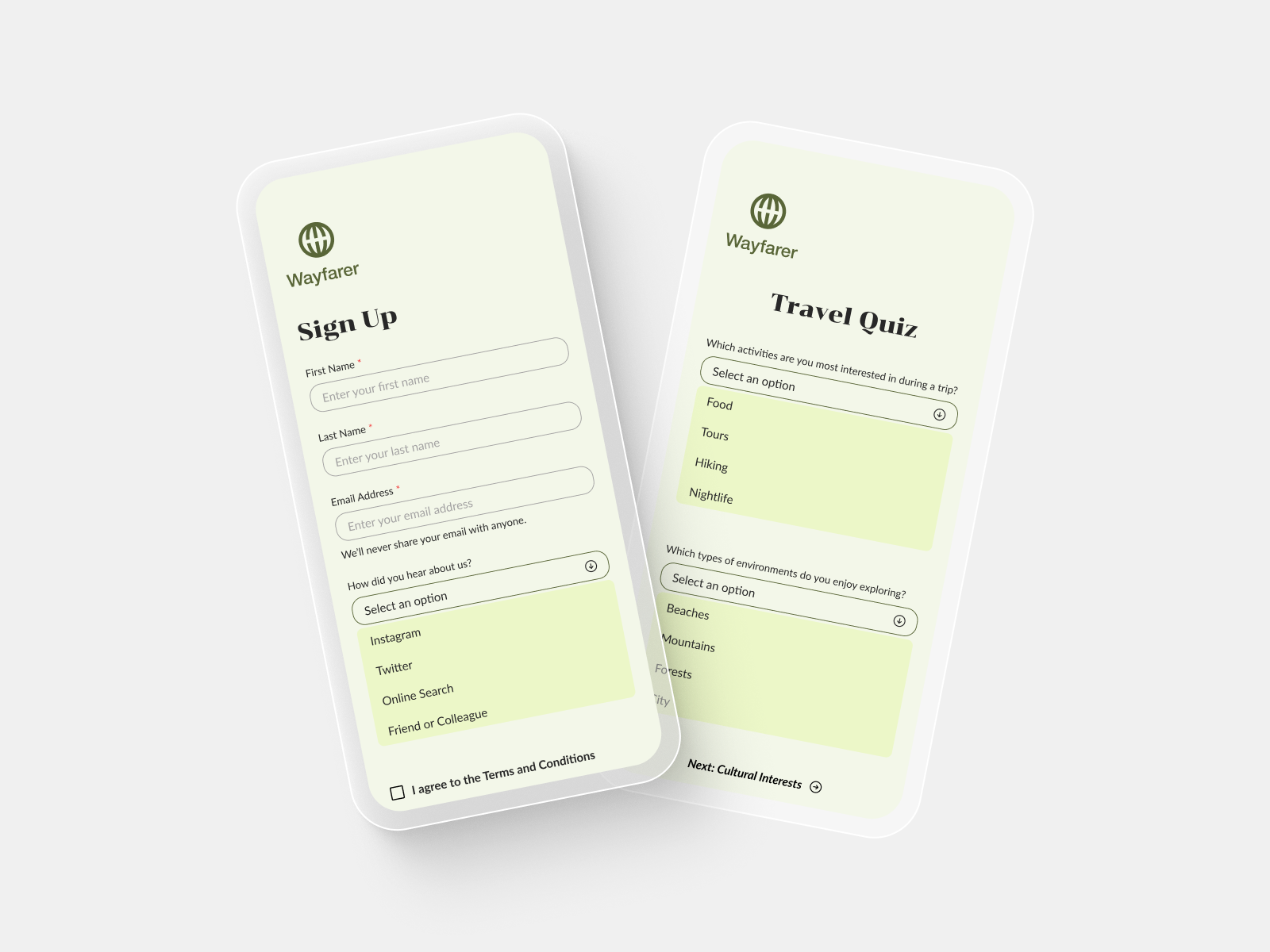
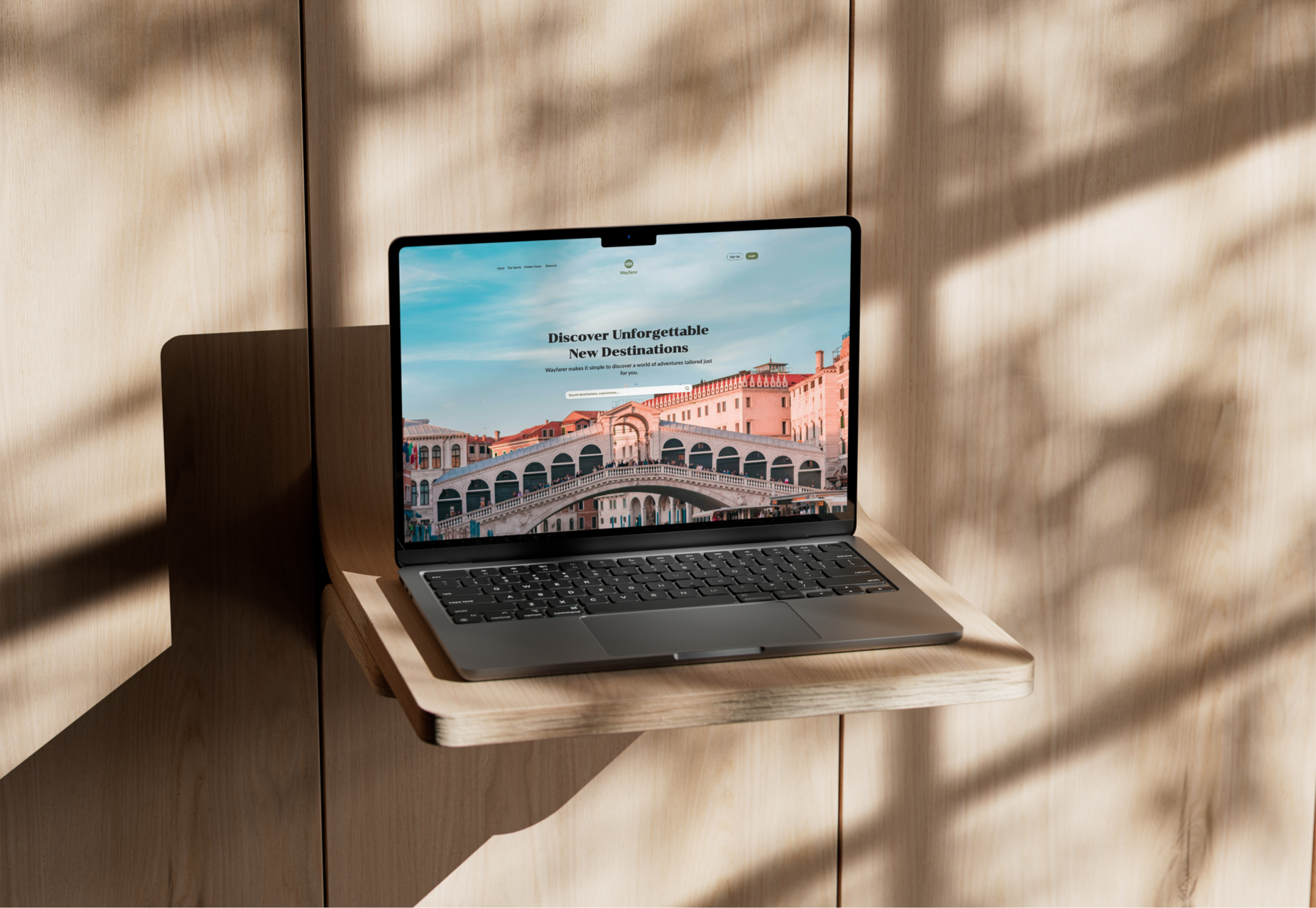
My Role - UI Designer – High-Fidelity Homepage and Form Experience Design
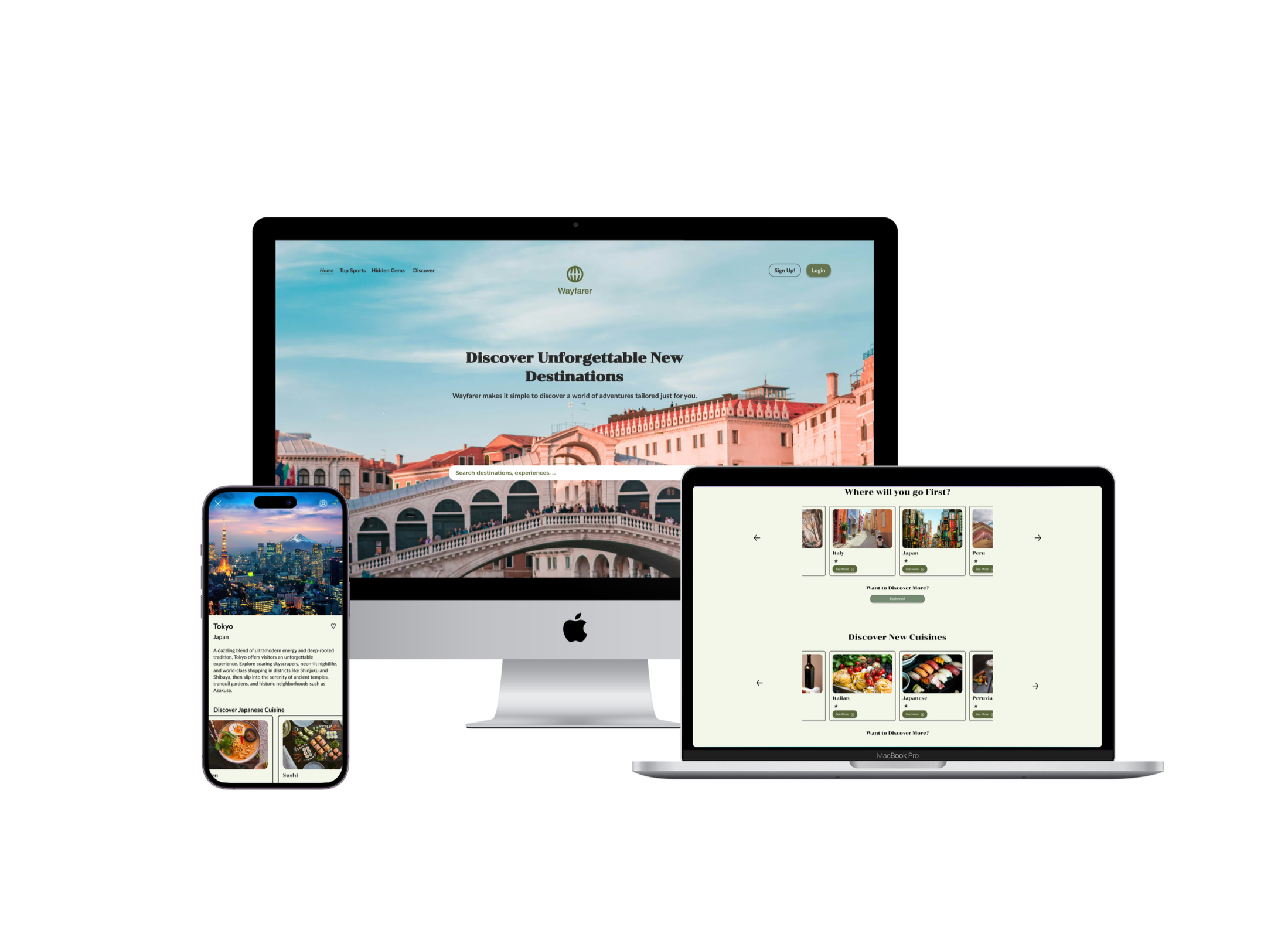
A new UI designer at Wayfarer a travel planning platform creating a high fidelity mock up that embodies the spirit and brand of Wayfarer. Creating mockups of home page and mobile and desktop form pages.
The Problem - Our data-collection form was confusing, prone to accidental input loss, and failed to capture the necessary AI information, while our homepage lacked full responsiveness, causing inconsistent layouts and difficult navigation across devices.
I set out to solve two major user experience issues. Our data-collection form was confusing, caused users to accidentally erase their inputs, and failed to capture the information our AI needed—key pain points that disrupted the planning process. Additionally, our homepage wasn’t fully responsive, leading to inconsistent layouts and difficult navigation across devices for users who are often on the go. My goal was to redesign the multi-step form and create a seamless, responsive homepage that eliminates these frustrations and supports a smoother, more intuitive experience.
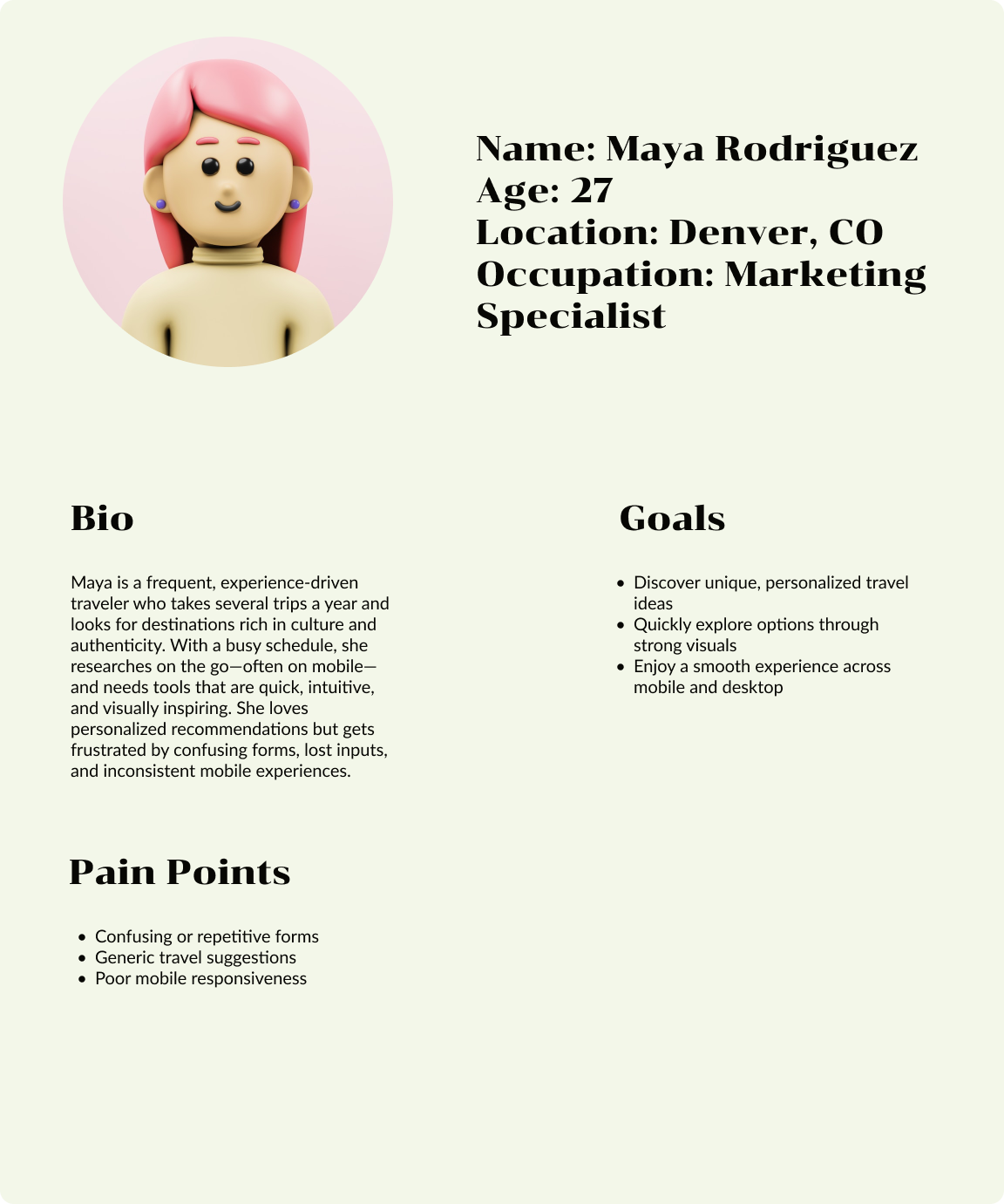
User Persona
Based on Wayfarer’s user pain points and the 21–30 age demographic, I created a persona representing a young traveler seeking easy navigation, personalized recommendations, and seamless planning. This helped me focus on designing solutions that address key frustrations and enhance the overall travel experience.

Affinity Mapping
As I moved into ideation, I put together an affinity map to make sense of all the insights from my research. Grouping similar notes and observations helped me spot the main themes and understand what really mattered to users. This made it much easier to decide what to focus on and gave me a clear direction when I started sketching and building out my wireframes.
Wireframes
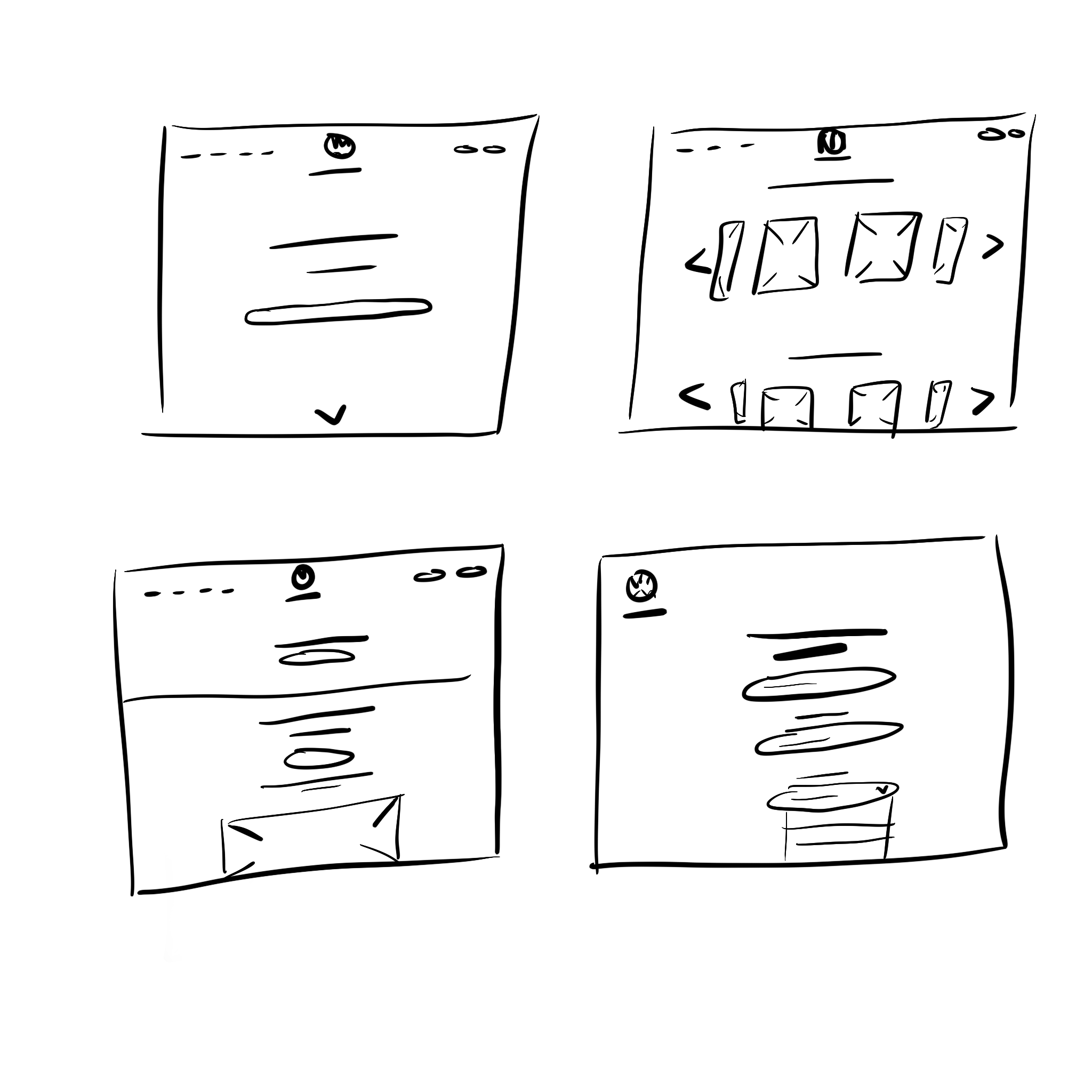
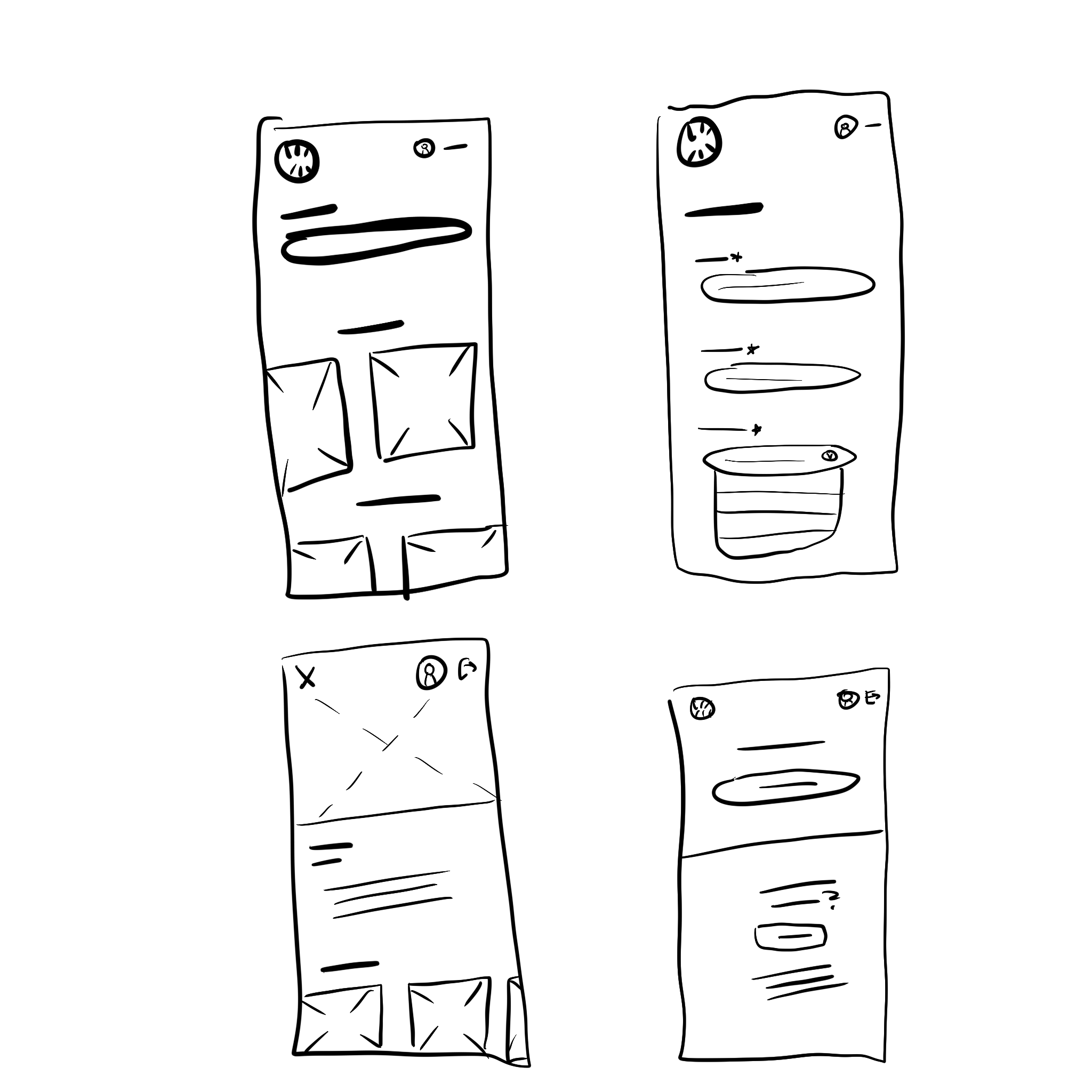
I created low-fidelity wireframes for the Wayfarer app and website to define layout, navigation, and user flow, ensuring an intuitive experience across both desktop and mobile.
Tools Used: Procreate
UI Components / Typography
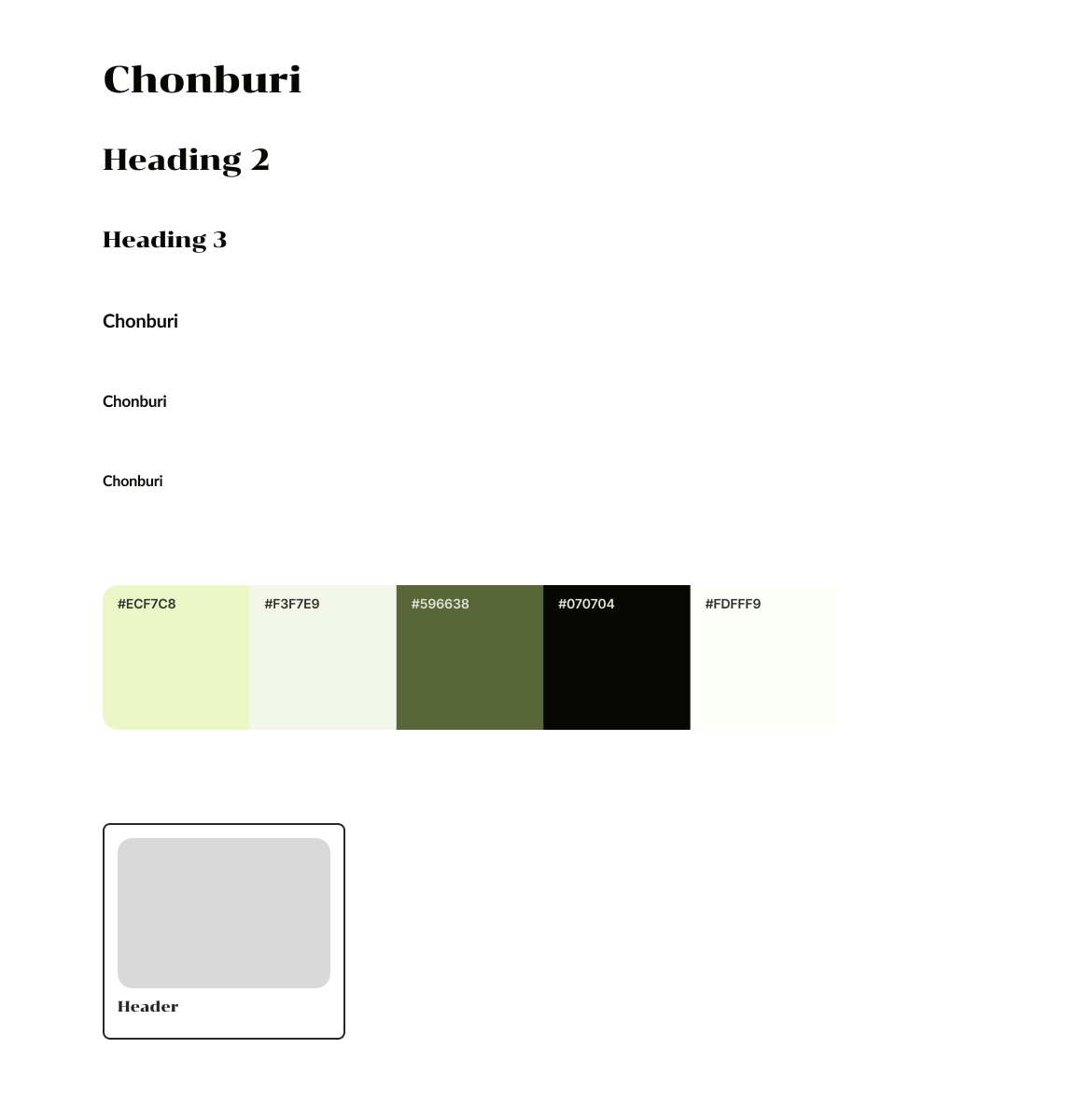
I chose a green monochromatic color scheme to evoke feelings of nature, exploration, and calm—tones that align well with the brand’s focus on immersive travel experiences. To support this visual identity, I paired the expressive Chonburi typeface with the clean, modern Lato font. Chonburi adds character and personality to key headings, reinforcing a sense of adventure, while Lato provides a clear and highly readable complement for body text. Together, they create a balanced typographic system that feels both inviting and functional, enhancing the overall usability and aesthetic of the design.
Tools Used: Figma
Final Designs
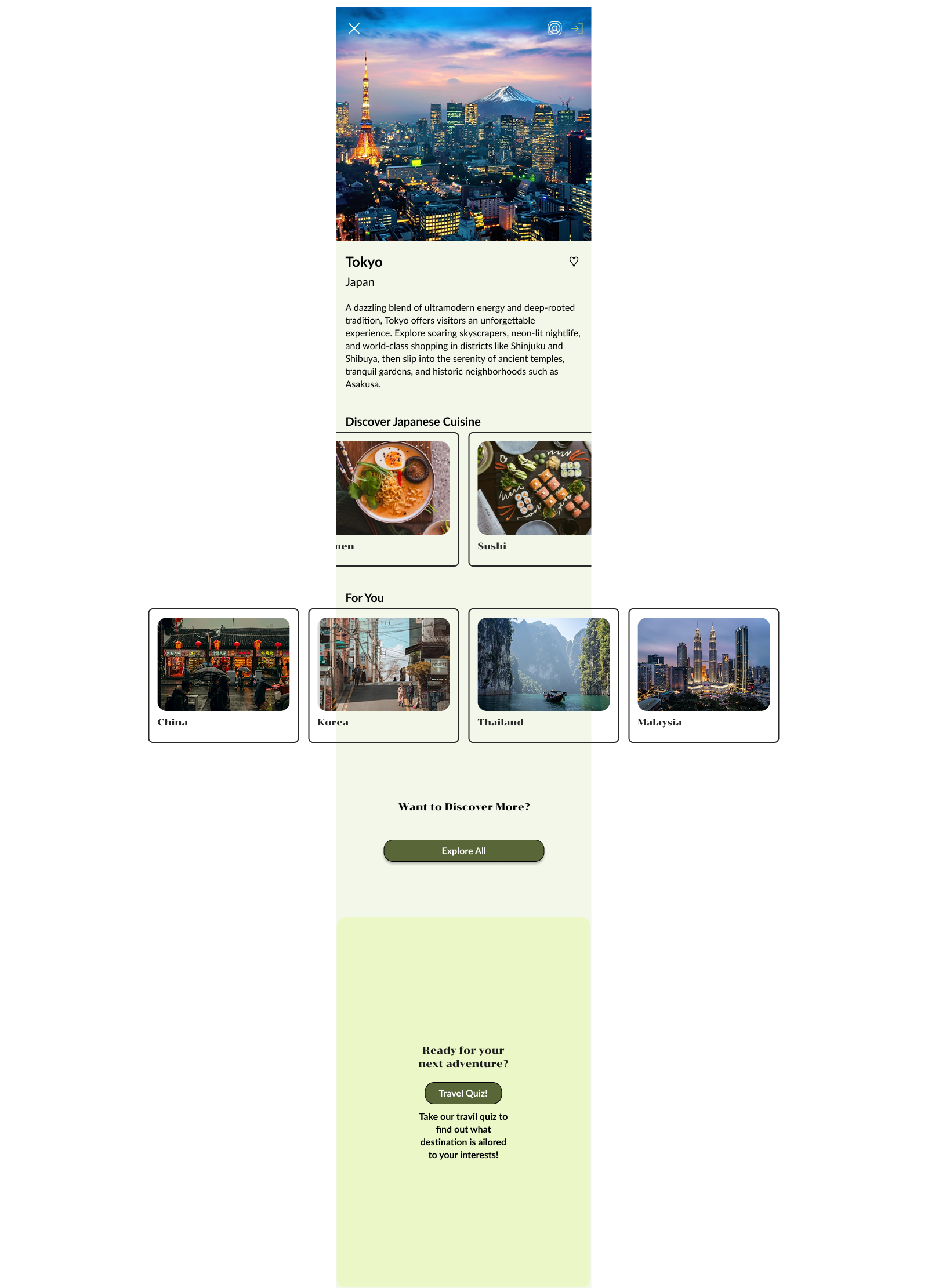
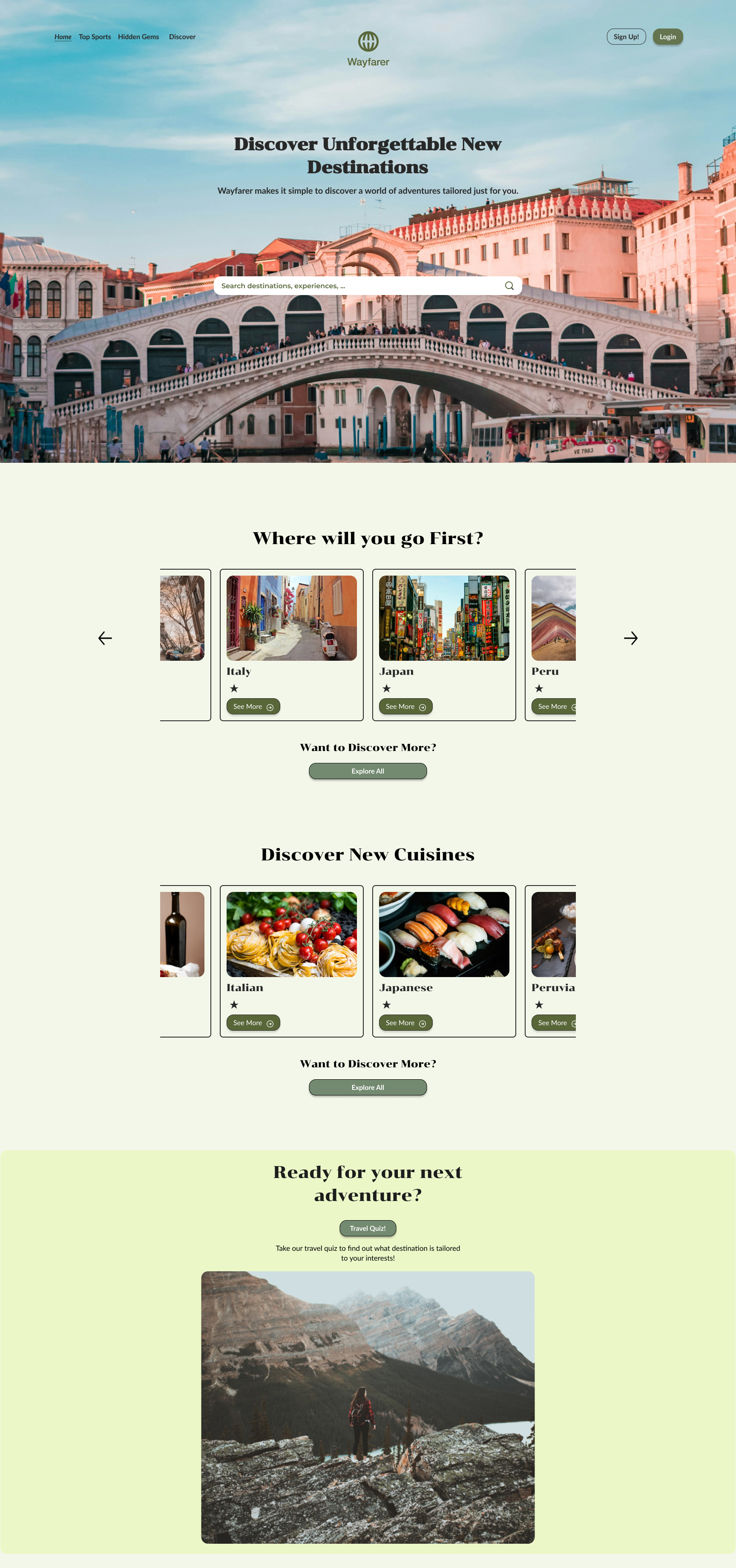
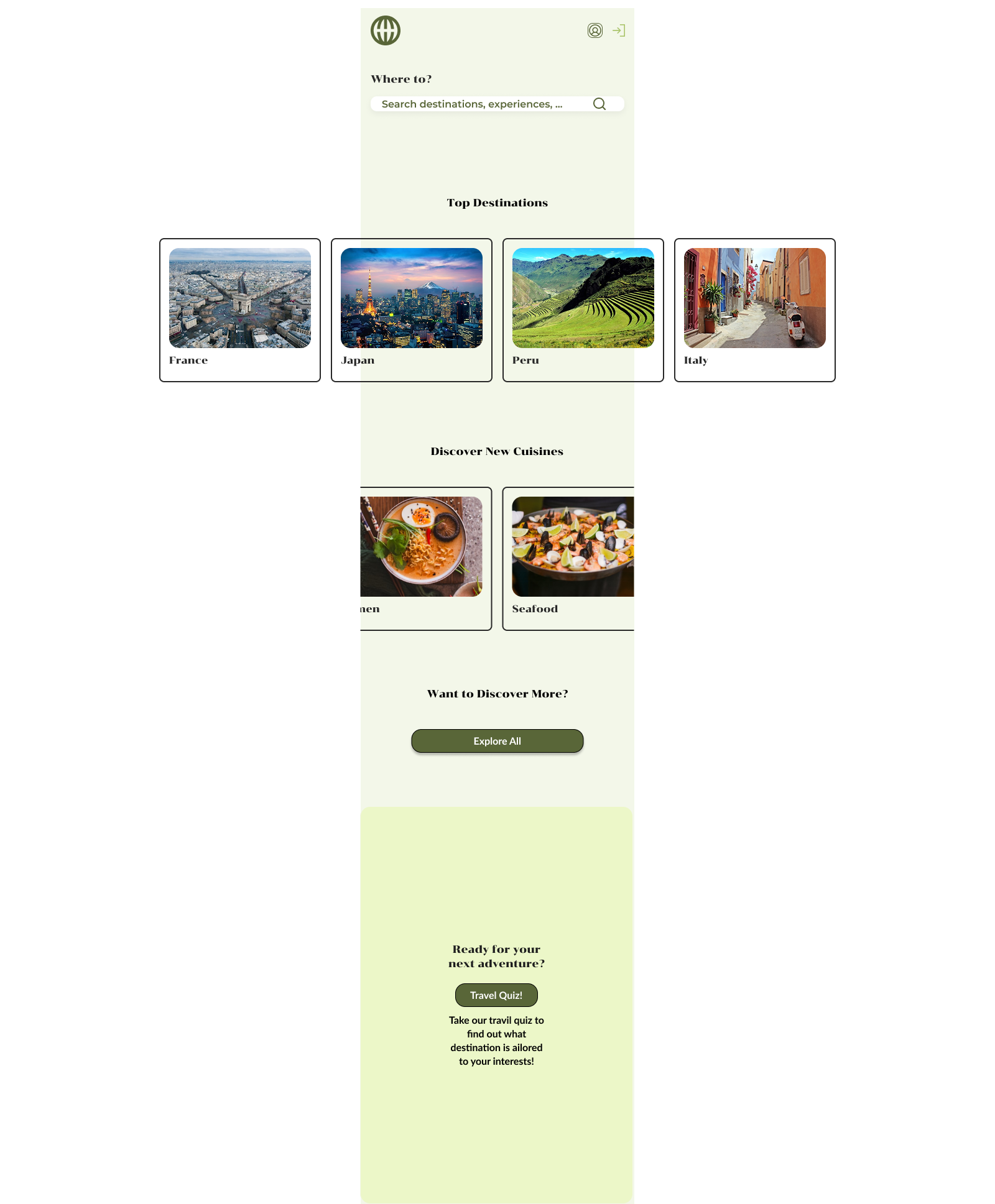
In the final design stage of my travel website, I went through multiple iterations to refine both the visual language and overall user experience. Early versions were more complex, so I gradually simplified the layout to create a cleaner, more intuitive interface that stayed consistent across mobile and desktop. I chose a calm, travel-inspired green as the primary color for both breakpoints, while adding a colorful carousel of destination cards to bring variety and personality into the design. Key features—like the travel quiz, search functionality, and the ability to star favorites—were tested and refined to feel natural and engaging. Older versions of the project can be viewed by clicking on my designs below, showcasing the full evolution that led to the final look.
Tools Used: Figma